When Cursor launched, vibe coding made it possible for people like me — product thinkers without an engineering background to finally build their ideas independently.
This was my first build — a FinTech app prototype taken from product idea to high-fidelity UI to an iOS simulator with Cursor. It proved that product judgment plus AI tools can close the gap between having an idea and turning it into a working prototype, and it became the starting point for my AI journey.
As AI tools become more widely used, their potential is becoming visible across many industries. For me, the most direct impact is that they can help turn abstract ideas into working prototypes.
Before AI coding tools, I had years of FinTech app product design experience, domain knowledge, and had launched multiple products, but I still could not build those ideas myself. When tools like Cursor emerged, I wanted to test whether that gap could finally be closed.
This tutorial shows the implementation process behind my FinTech iOS app demo, from requirement analysis to high-fidelity UI and then into an iOS simulator prototype.
Showcase
1. Overall Process
The project has three stages:
- Requirement analysis
- High-fidelity UI generation with Cursor
- App development with Xcode and Cursor
The real workflow is to first clarify the product direction yourself, then use AI to help structure and execute the idea, and finally keep iterating based on the actual prototype result.
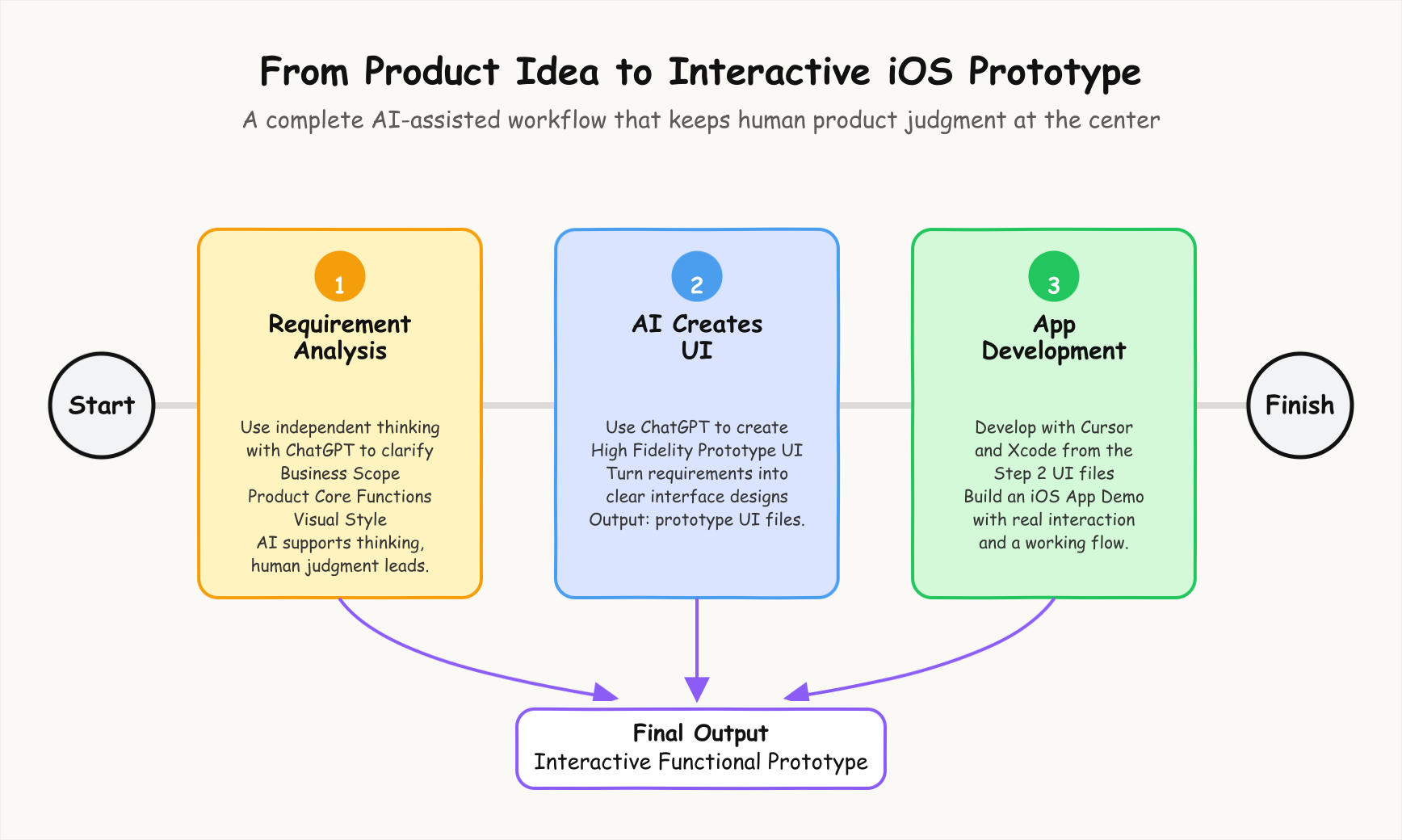
2. Requirement Analysis
The most important step is to clarify the goal of the app, the business scope, the key features, and the visual direction before asking AI to execute.
I still needed to keep my own independent judgment, especially at key decision points.
The core functions included:
- Trading: users can view their holdings and complete buy or sell actions.
- Market: users can view market information and build a personal watchlist.
- Records: users can review trade history and order details.
- News: users can read the latest financial market news, ideally with automatic real-time updates.
- Personalization: users can manage deposits, withdrawals, bank accounts, app settings, and other account-related actions.
The visual style needed to feel clear, structured, and trustworthy because financial products must give users a sense of safety.
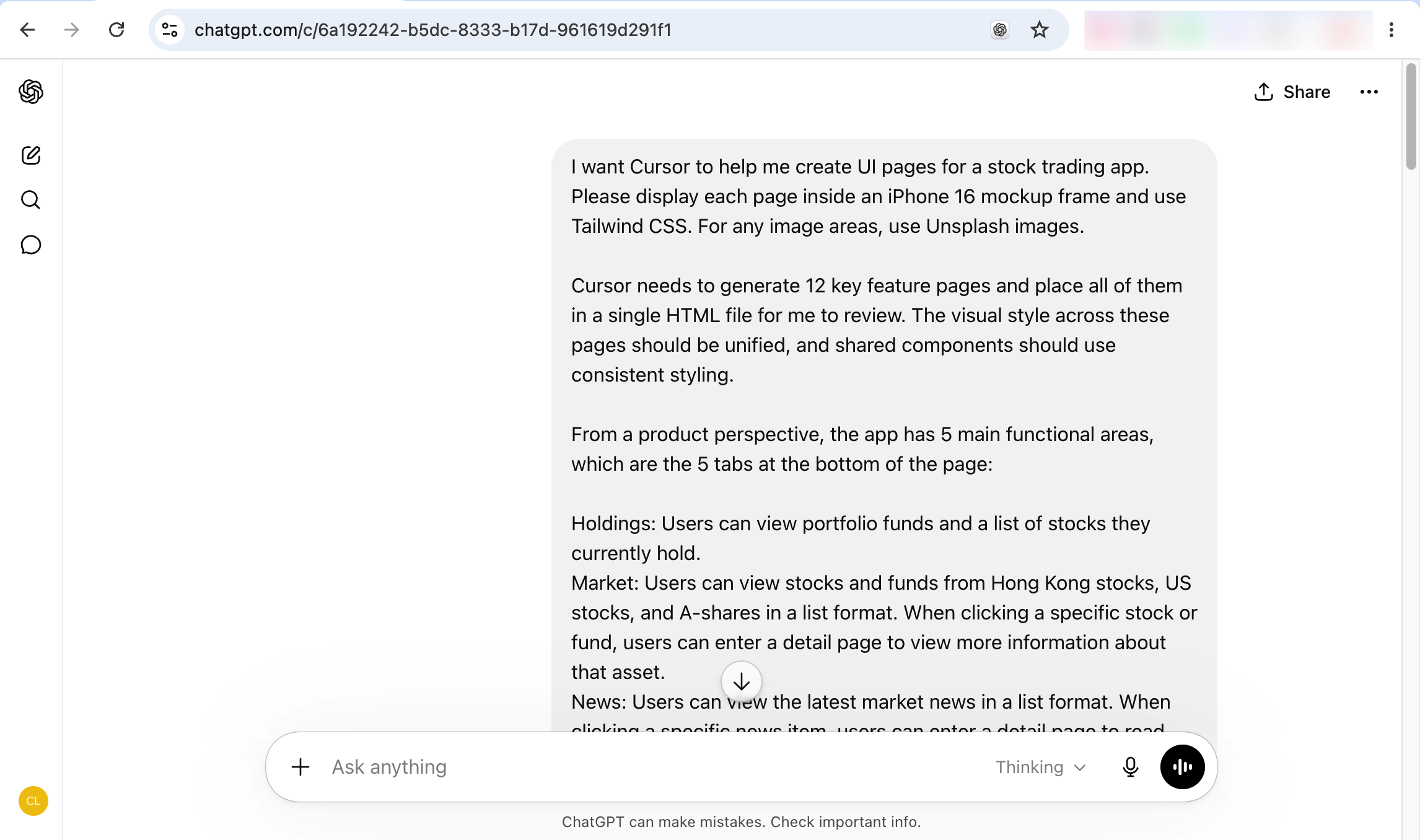
I used ChatGPT to quickly generate the content structure for each page.
3. High Fidelity UI
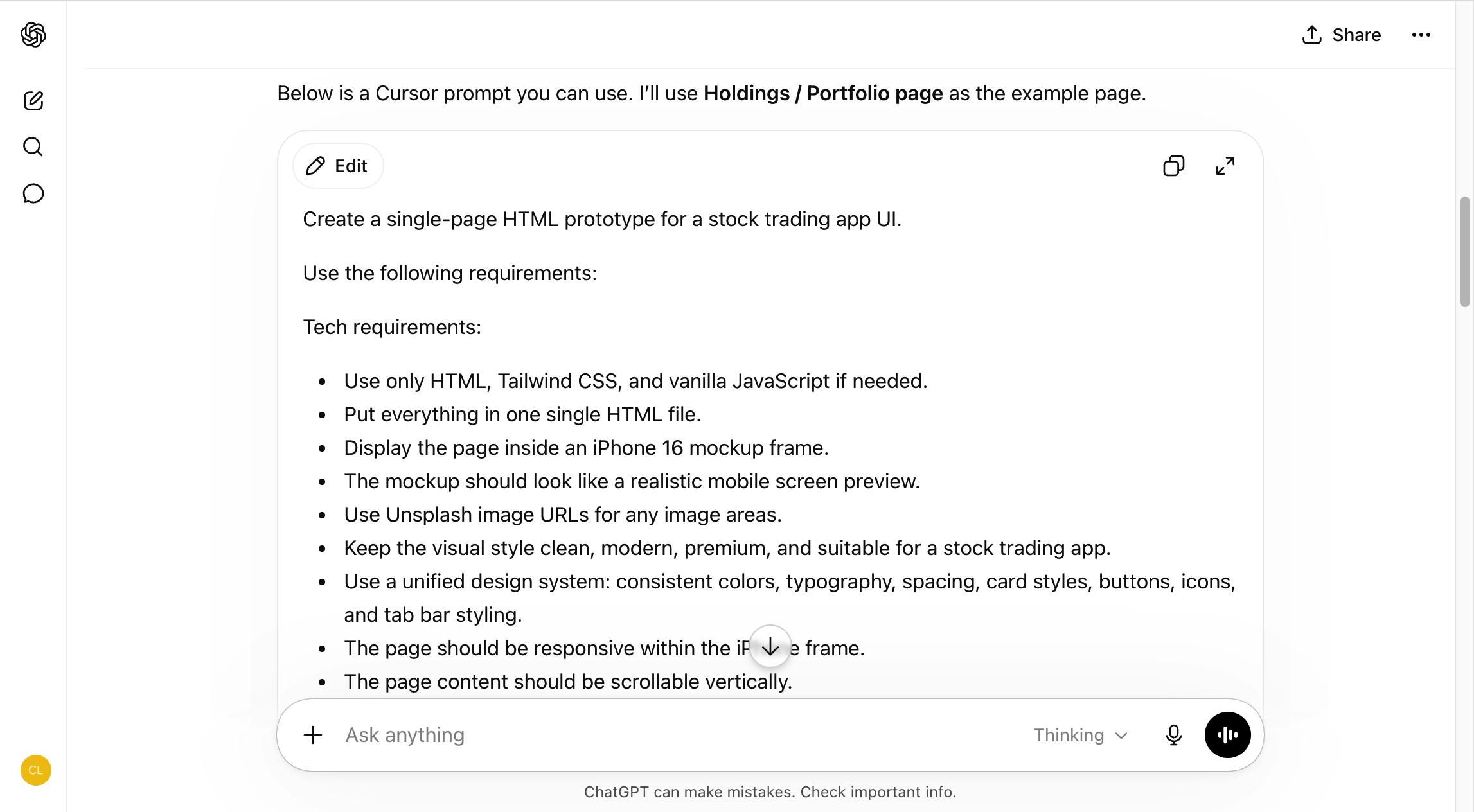
The next step is to use Cursor to generate a high-fidelity UI prototype.
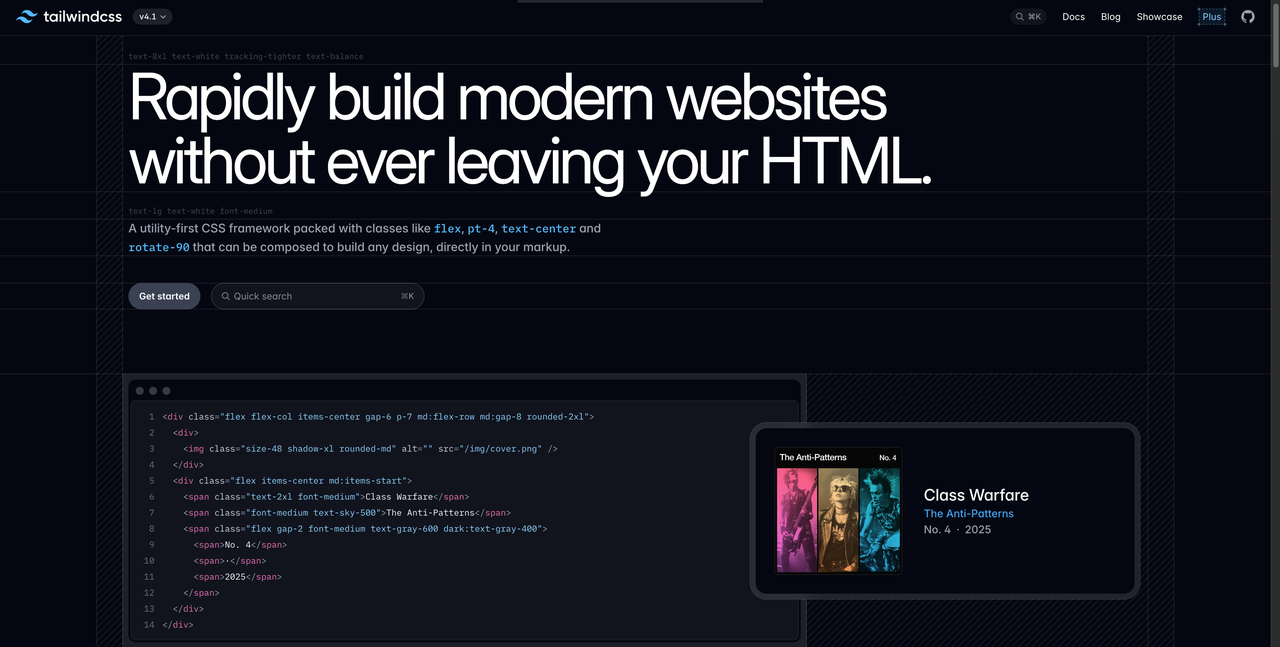
First, install Cursor from the official website and start with the free version. For this prototype, I used HTML and Tailwind CSS to generate the UI directly; referencing Tailwind is enough to get started quickly.
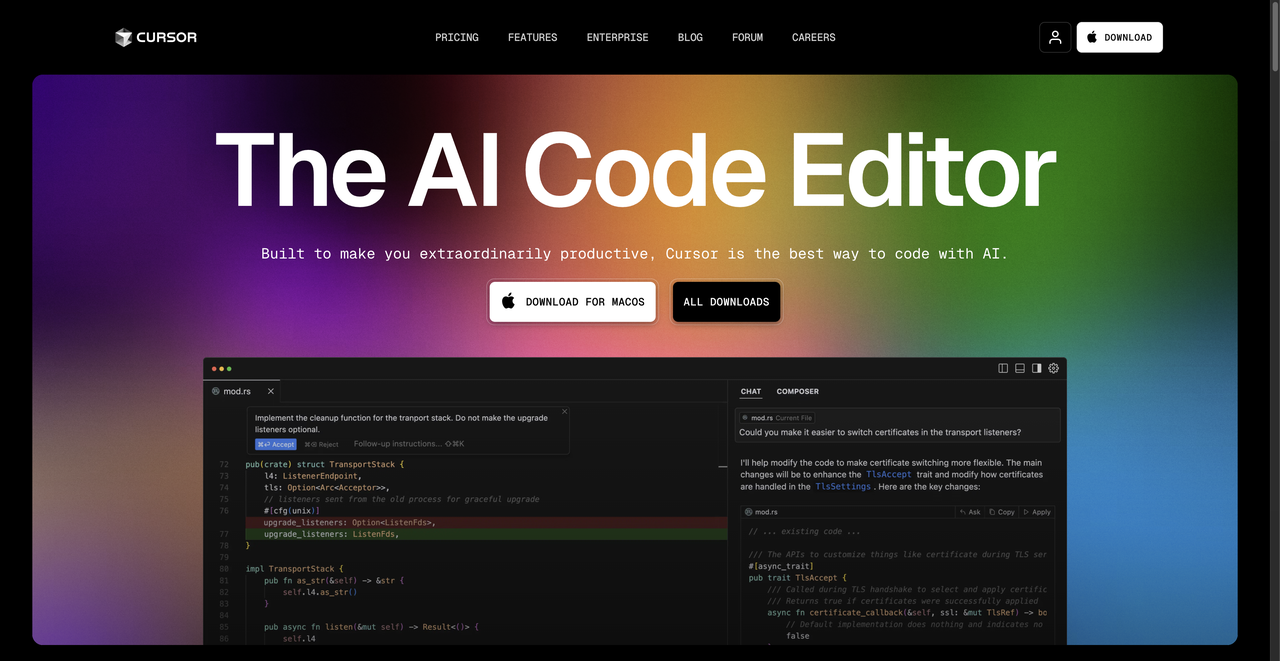
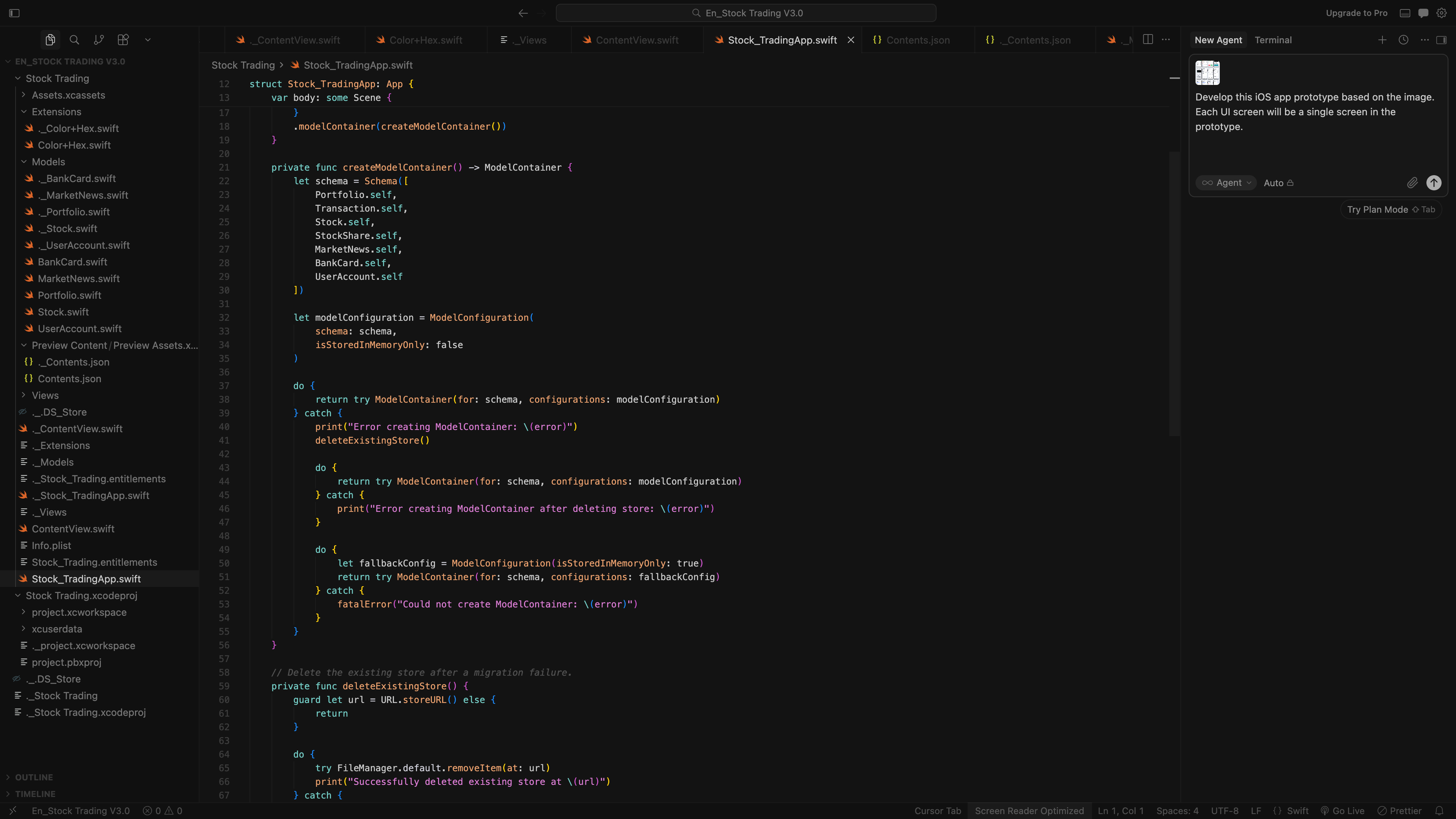
In Cursor, I selected Agent mode and used Claude 3.7 Sonnet to develop the high-fidelity prototype by sending requirements in natural language.
The key prompt idea was:
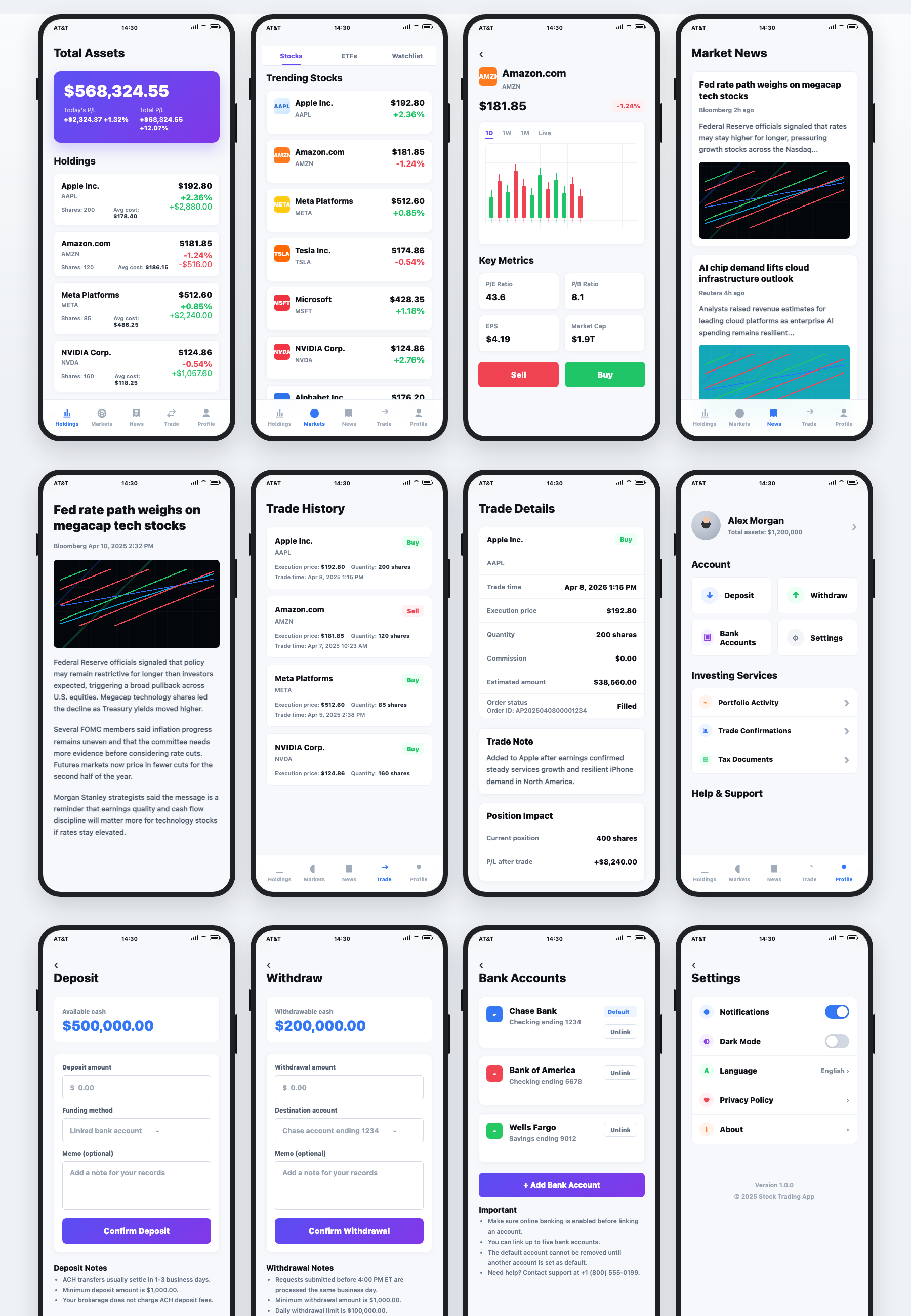
I want Cursor to help me create UI pages for a stock trading app.Please display each page inside an iPhone 16 mockup frame and useTailwind CSS. For any image areas, use Unsplash images.Cursor needs to generate 12 key feature pages and place all of themin one single HTML file for me to review. The visual style acrossthese pages should be unified, and shared components should useconsistent styling.From a product perspective, the app has 5 main functional areas,which are the 5 tabs at the bottom of the page:- Total Assets:Users can view total assets, today's P/L, total P/L,and the list of stocks they currently hold.- Markets:Users can view stocks, ETFs, and watchlist information in a listformat. When clicking a specific stock or fund, users can entera detail page to view more information about that asset.- News:Users can view the latest market news in a list format. Whenclicking a specific news item, users can enter a detail pageto read the full content.- Trade:Users can view buy and sell transactions in a list format. Whenclicking a specific transaction, users can enter a detail pageto view more details.- Profile:Users can manage funds and account services, including deposit,withdrawal, bank account management, investing services, support,and app settings.These 5 main functional areas should appear in the bottom menu barof the main pages. The menu bar should be fixed to the bottom ofthe screen. When users scroll up and down on a page, the menu barshould not scroll with the page.How should I give my requirements to Cursor? Please output a Cursorprompt for me. You only need to tell Cursor the information for eachpage; let Cursor decide the visual styling inside each page.Use one page as an example and tell me the prompt.
After Cursor generated the HTML file, I opened it in the browser to review the prototype. If something needed to be improved, I described the changes in natural language and kept asking Cursor to update the code until the result matched my expectations.
4. Prototype Development
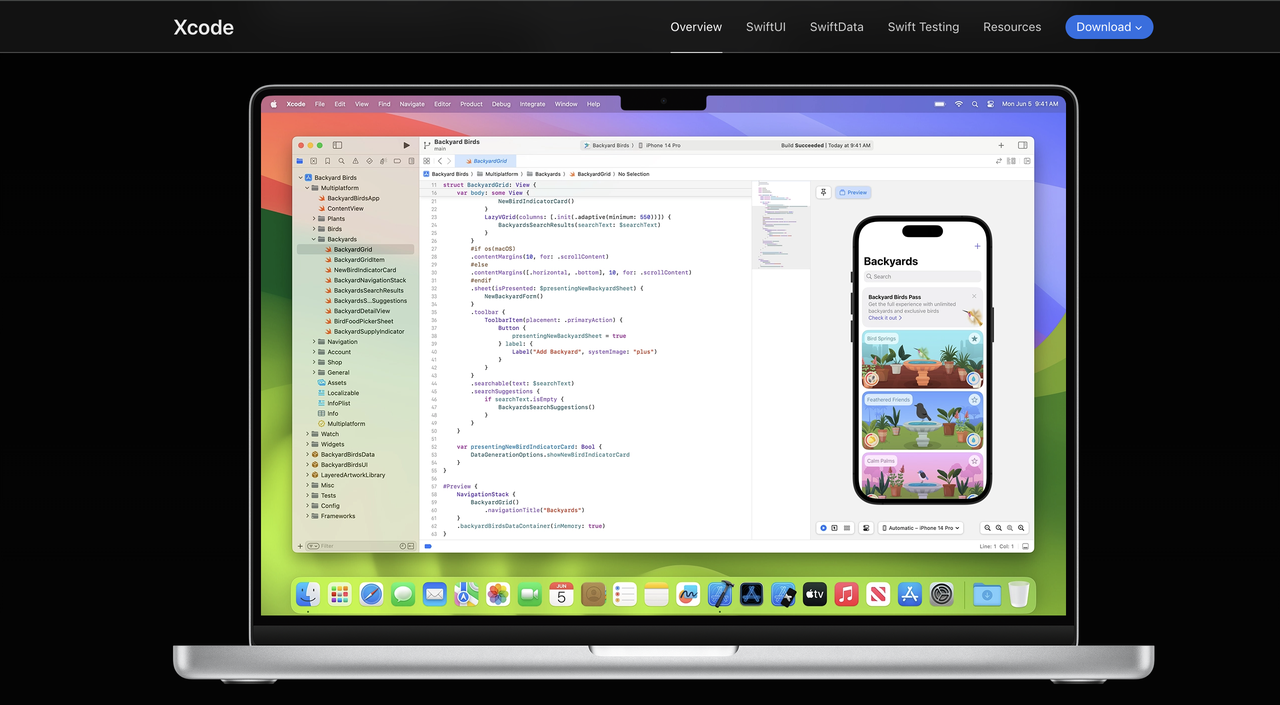
The first step is to set up the software. I downloaded Xcode from Apple's official website and installed it.
I created a new folder for the Xcode project, and then opened that project folder in Cursor. This matters because Cursor needs to work inside the correct root directory, so it can understand and modify the project structure correctly.
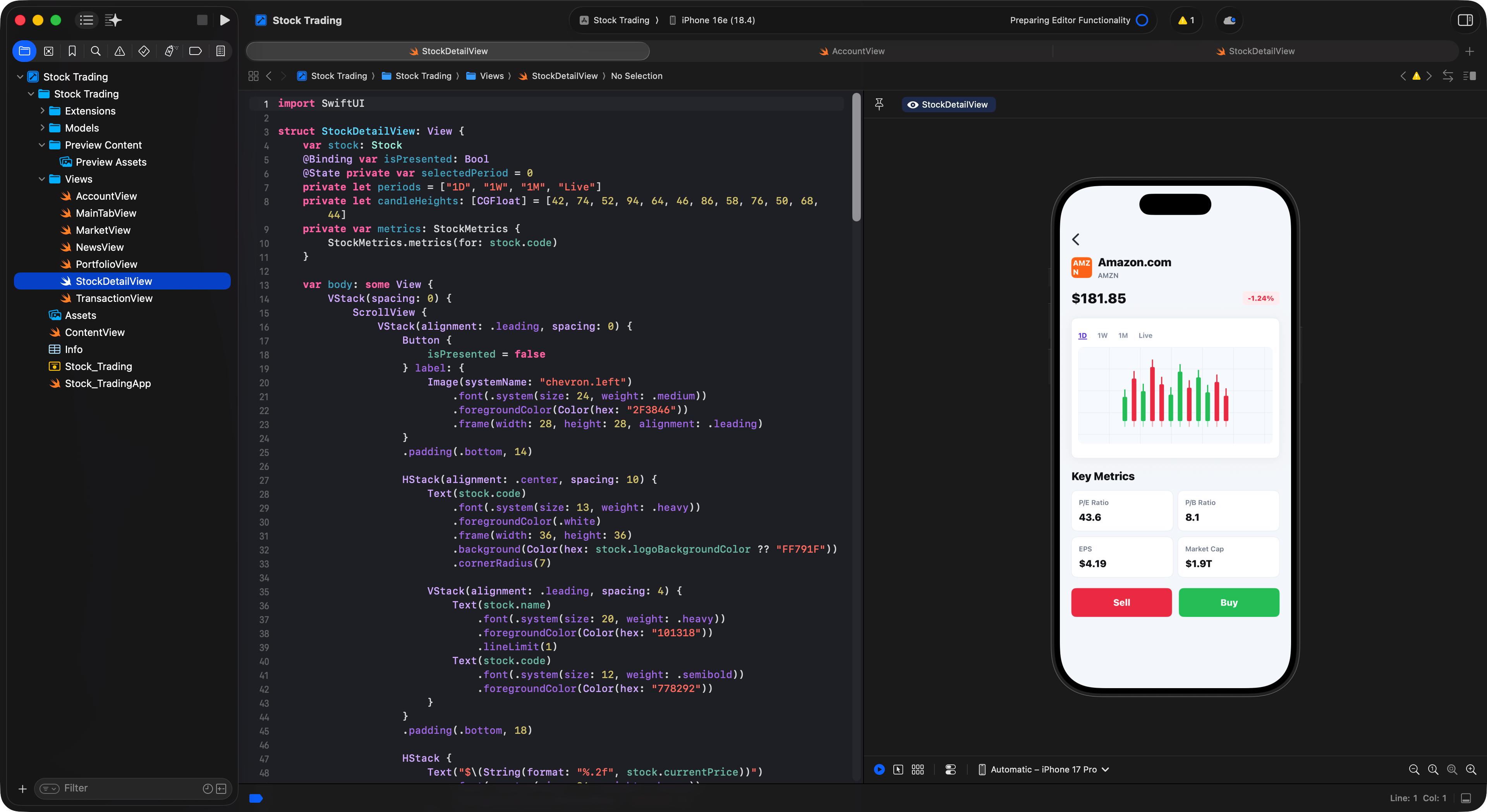
The workflow was basically like this: I used Cursor to develop the iOS prototype and asked it to write code inside the Xcode project.
If Xcode returned an error, I copied the error message and pasted it into Cursor, and Cursor would update the code automatically.
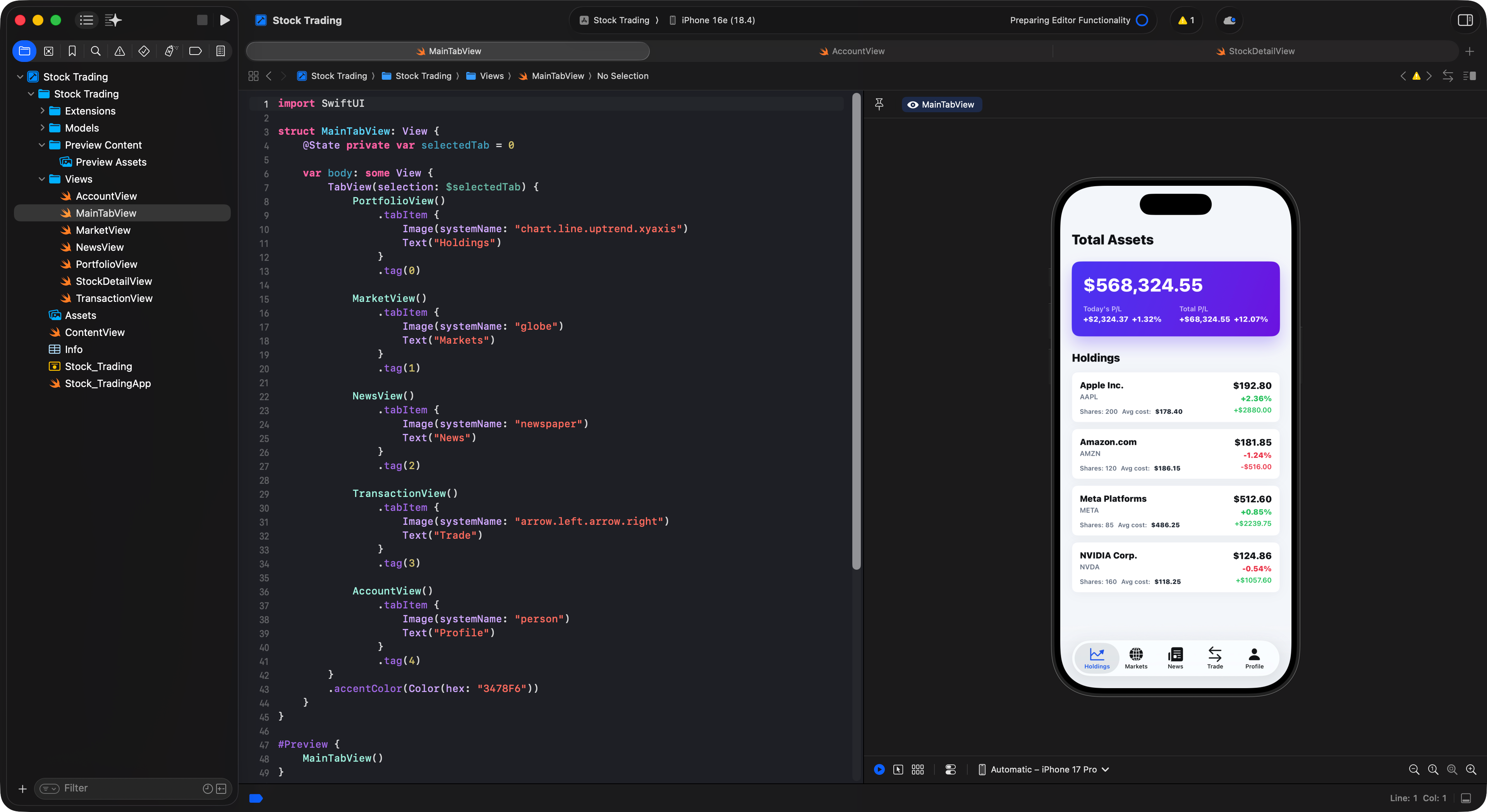
Using screenshots to show Cursor what needs to change is often more effective than describing visual differences in text.
5. Retrospective
This workflow showed me that AI tools can turn a product idea into a working prototype across requirement analysis, UI design, and app development. The important part is still independent thinking: define the direction clearly, then use the tools where they create leverage.
- The prompt does not need to be overly detailed; give Cursor enough room to quickly generate the first version, then refine it through iterations.
- Open the correct project root folder, because the app needs to be built in the right folder context.
Sometimes Cursor may keep changing the code back and forth without reaching the result you want. When that happens, a few practical options are:
- Delete the project and rebuild it from scratch.
- Roll back to a previous working version.
- If Xcode shows an error, copy the error message and paste it into Cursor so it can fix the issue.
You do not need to write all the code yourself, but you do need to understand the basic logic of Xcode development.