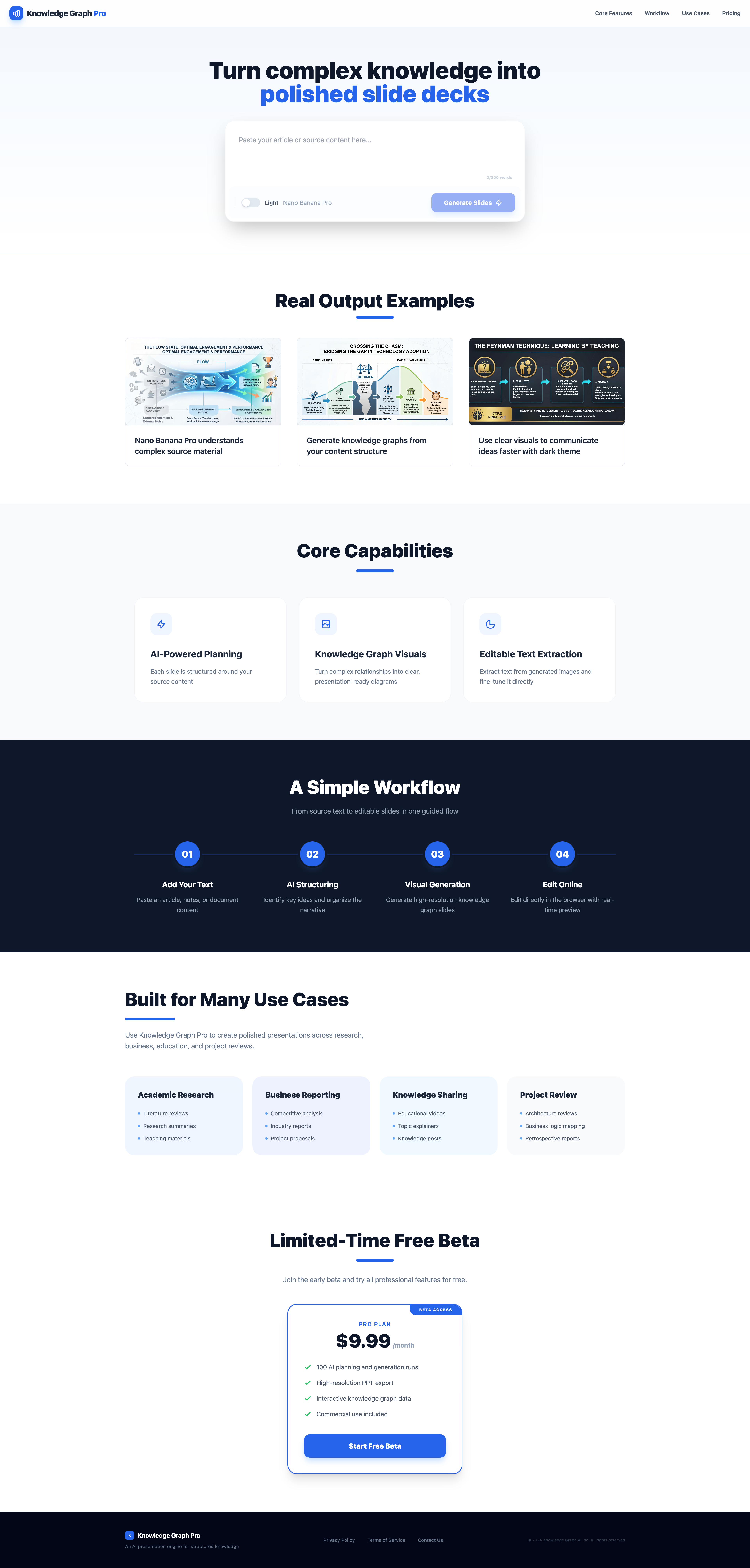
Showcase
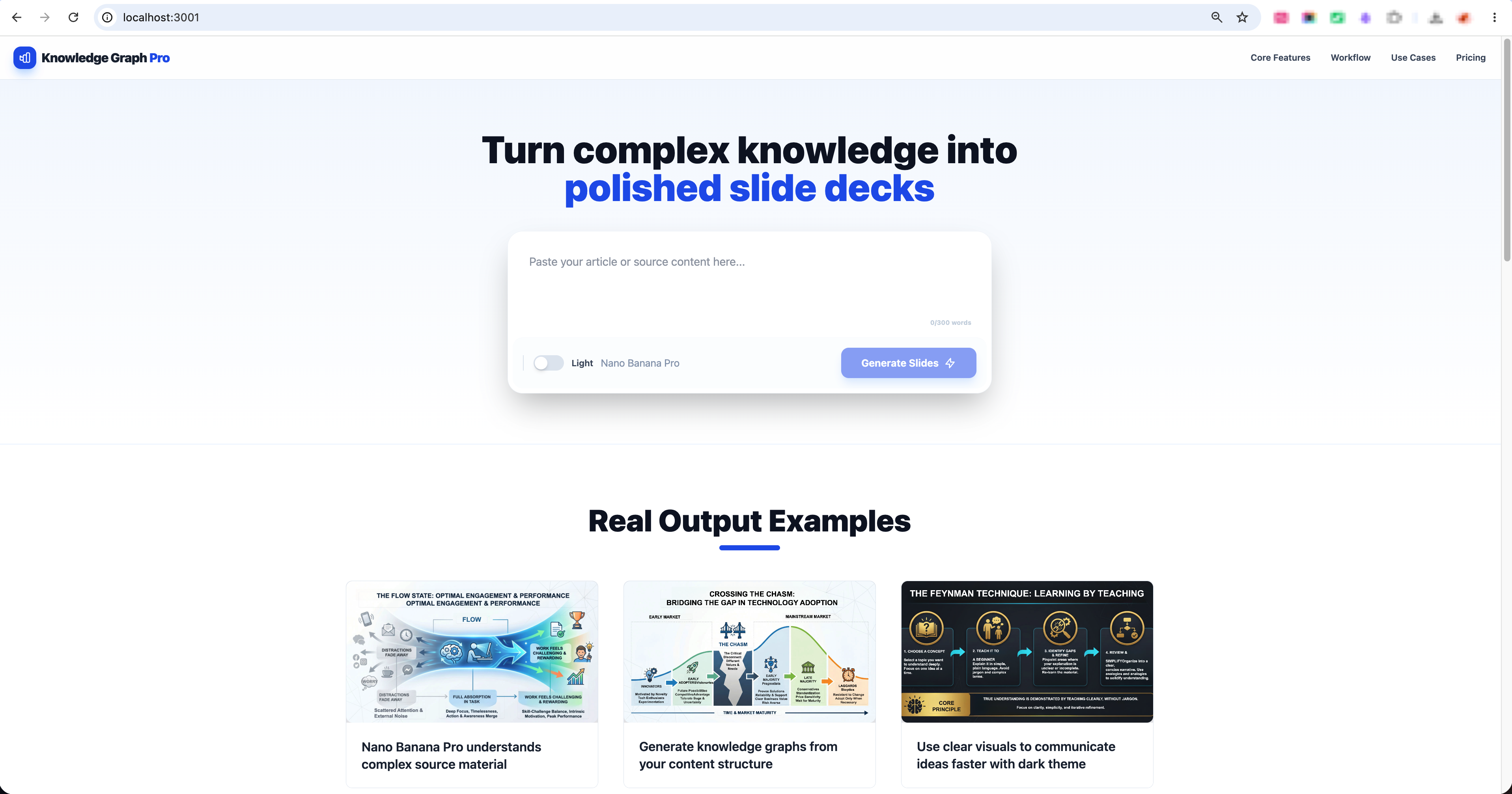
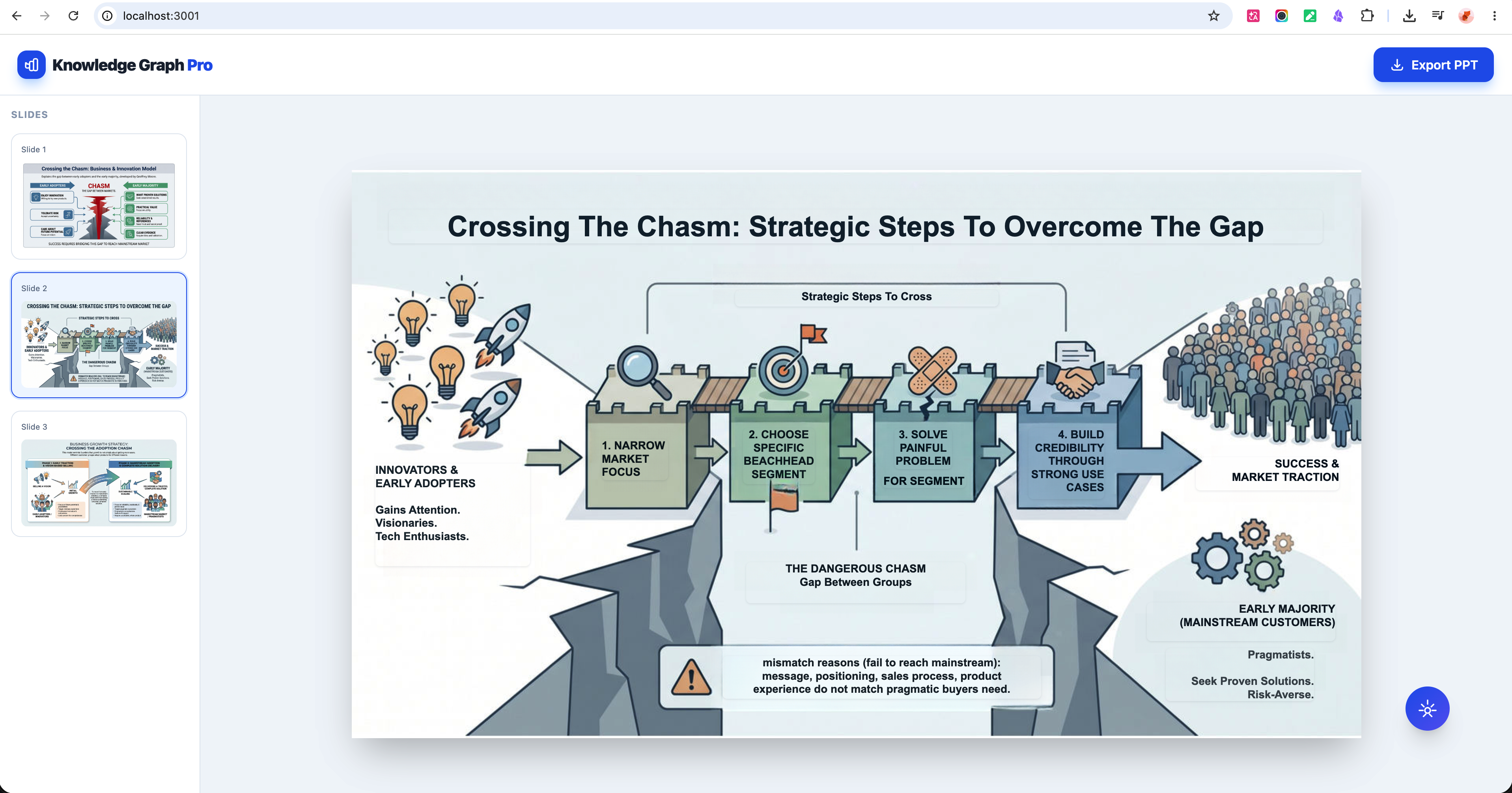
Introduction: Give it a topic or knowledge content. It generates a structured visual knowledge-graph presentation — fully editable in the browser, downloadable as a presentation.
Product URL: Contact me on LinkedIn to get the URL
Implementation: The process is documented in the tutorial.
Results:
- Presentation creation time reduced from 2–4 hours manually to under 5 minutes with the agent, at a cost of under $1 per deck
- Validated with 7 target users, achieved 70% positive feedback — users commented the output quality is better than Kimi and Doubao
- Deployed on the client's enterprise cloud platform, directly accessible to their paying subscribers
Background
Client:
- A business consulting team running online and offline training programs — helping entrepreneurs, startup founders, and domain experts apply business frameworks to their own work.
Collaboration:
- 3+ years working directly with this team on their knowledge sharing business, including delivering a few AI projects along the way — a set of 116 Charlie Munger mental model posters and 100 business IP posters.
Problem Identification and Opportunity
The problems:
- Their learners consistently struggled to turn what they had absorbed into clear visual presentations — whether for content sharing, training sessions, or materials for their own clients.
- Structuring ideas visually without a design background is genuinely hard, and the workaround was slow and frustrating.
Opportunity:
- Nano Banana Pro's technical capability had been rapidly improving — reaching a point where it could reliably handle structured visual output at production quality.
- The multimodal capability of Gemini 3.0 made it possible to generate visual representations of complex knowledge content directly from text.
Success Metrics
Time: Ship a working version within one month — getting the product live so users can try it, test it, and provide direct feedback.
Cost: Minimize cost per deck — multimodal model usage costs slightly more than text-only processing, so keeping generation cost under control was a priority from the start.
Quality:
- Generated content accurately represents the logical structure of the source knowledge
- Visually engaging and business-appropriate — simple, clear, and intuitive for the target audiences
User satisfaction: Majority positive feedback (50%+) from target user testing.
Product Solution
Core flow:
- Users input knowledge content — the product handles all technical processing end-to-end and returns a structured visual deck
- From there, users can perform light editing directly in the browser, or download it for further editing
Architecture:
- Built on a Dify workflow with multi-model orchestration, calling Nano Banana Pro's model to generate knowledge graph content and visual structure
- During implementation, the architecture went through multiple rounds of evaluation — balancing user experience, product efficiency, output quality, and cost
Implementation and Key Decisions
Technical Architecture:
- Evaluated several open-source frameworks on GitHub — none fit the target use case well enough, so decided to build a custom framework instead
- Chose Dify to handle user requests, making the process more stable and controllable
- Integrated Nano Banana Pro APIs (Gemini 3 Pro) for content generation, decoupled from Dify workflow to improve robustness and make it easier to detect problems during evaluation
- Across three rounds of evaluation, focused on content generation pipeline, OCR and image editing optimization to improve output quality
Evaluation trade-offs:
- In the first two rounds, the main issue was cost — approximately $4–5 per deck. Experience and quality were acceptable, but efficiency was low and cost was unsustainable
- Explored alternative technical approaches to improve efficiency, and lowered the cost of Gemini Pro models
- After these adjustments, reduced the cost significantly — achieving balance across quality, efficiency, and cost
Deployment:
- First deployed independently on my own website to run user testing before handoff
- After minor adjustments, handed off to client and integrated into their cloud-based AI platform
Results
Launch:
- Purchased a server and deployed the product independently. Shared the link with users in the community and the business consulting team for testing.
Feedback:
- 70% of users gave positive feedback
- Two main optimization requests surfaced:
- Input limit: current cap is 1,000 Chinese characters — users want to increase it to 40,000
- Slide count is currently fixed per deck — users want the agent to auto-determine the number based on input content
Next steps:
- Both issues will be optimized after deployment. The product could be upgraded at scale if cost is not a constraint.